

Accounts & bank records
Record income and expenses, organise account balances, import bank statements, and match payments as you reconcile your books.
Keep sales, purchases, stock, and finances in one place. Akauntify helps growing businesses track what comes in, what goes out, and how each branch is doing—without juggling spreadsheets.
Every plan includes a 14-day free trial. Choose the option that fits your team and branches.
For small businesses getting started
UGX 500,000/year
14-day free trial
For growing teams
UGX 1,500,000/year
14-day free trial
For larger organisations
UGX 4,000,000/year
14-day free trial
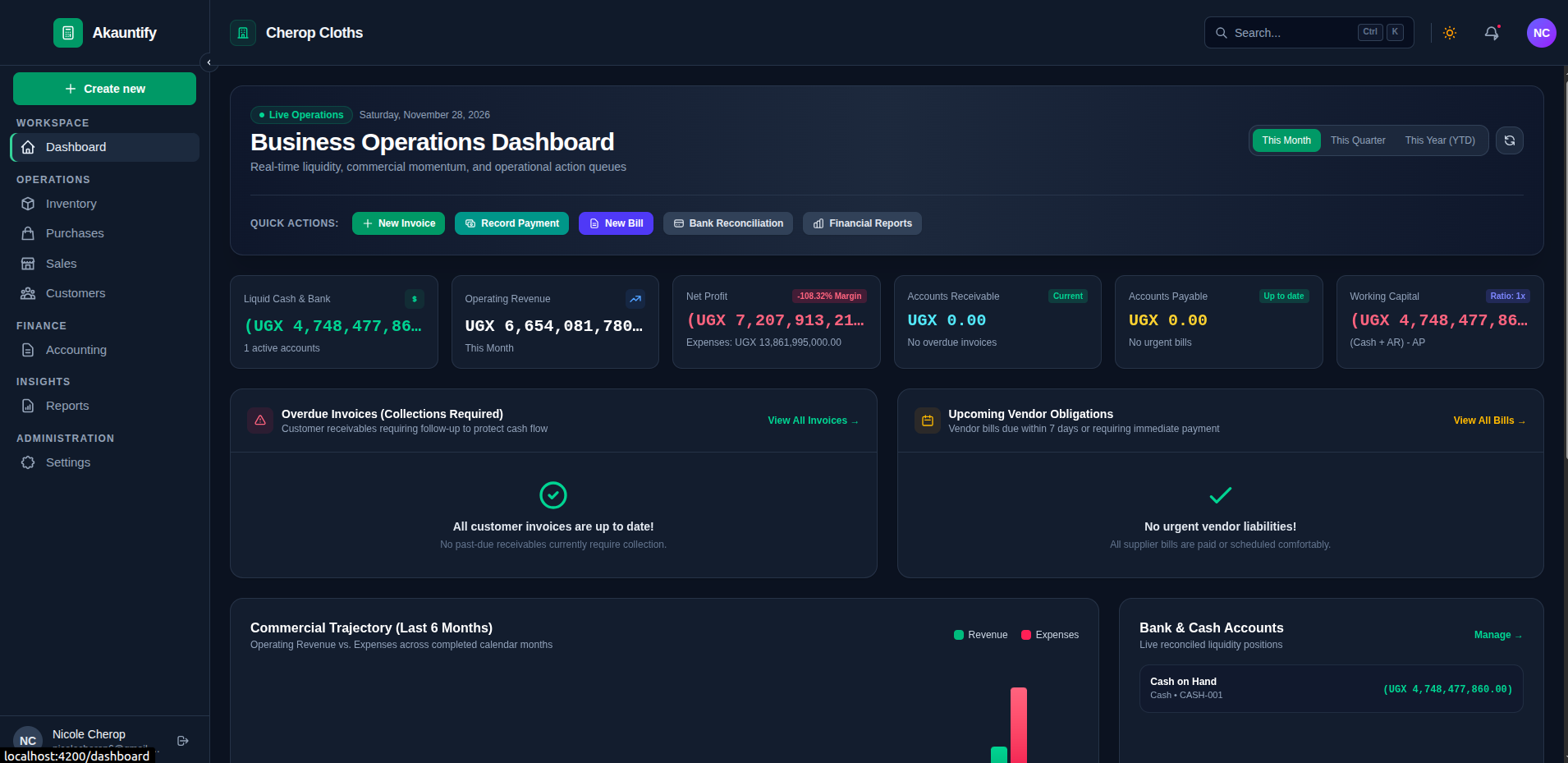
Take a look at everyday tools for managing accounts, customer invoices, tax invoices, and financial reports.
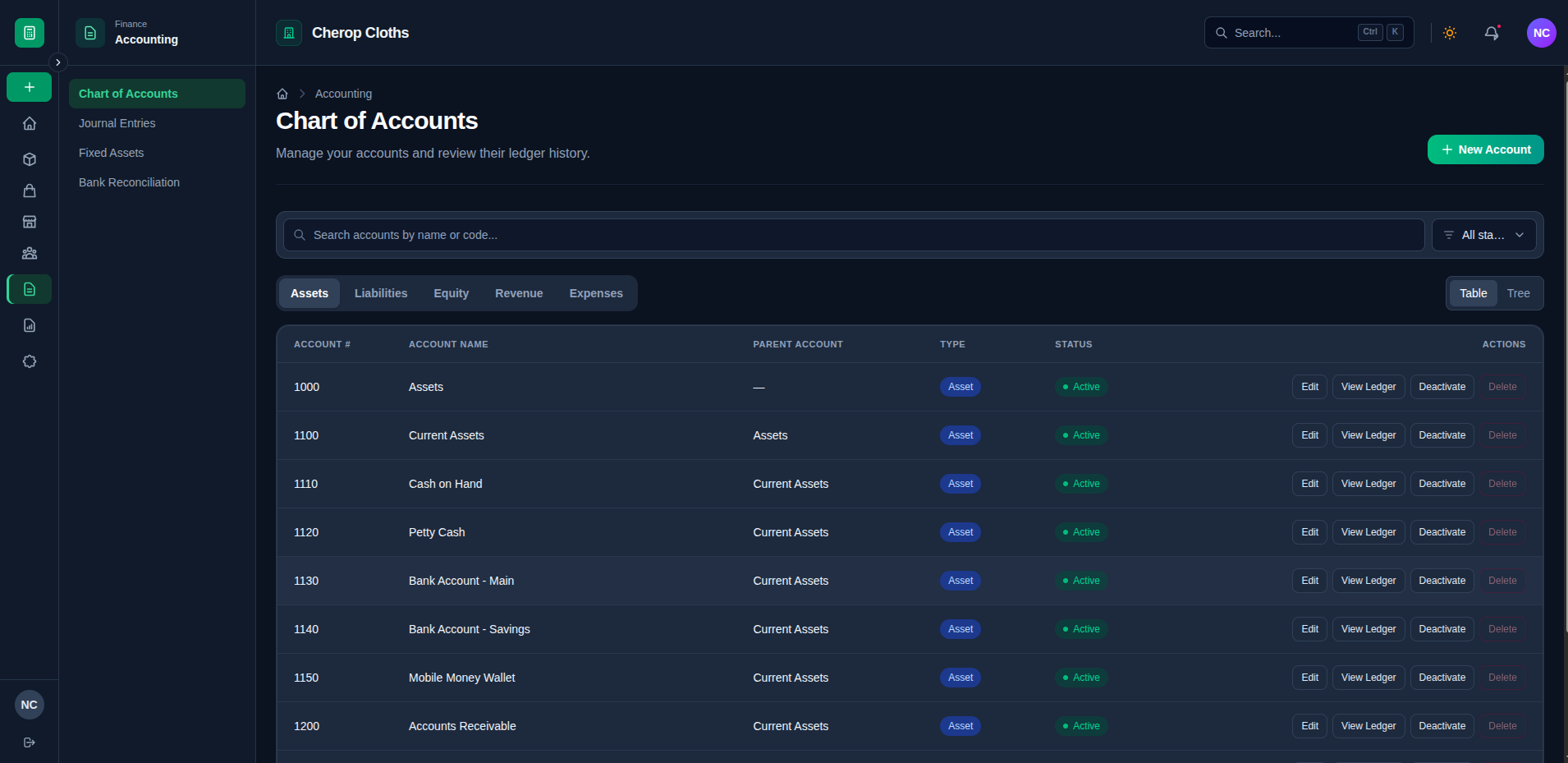
Start with a ready-made set of accounts and let invoices, supplier bills, and stock movements update your books. See the details behind each balance in your general ledger.
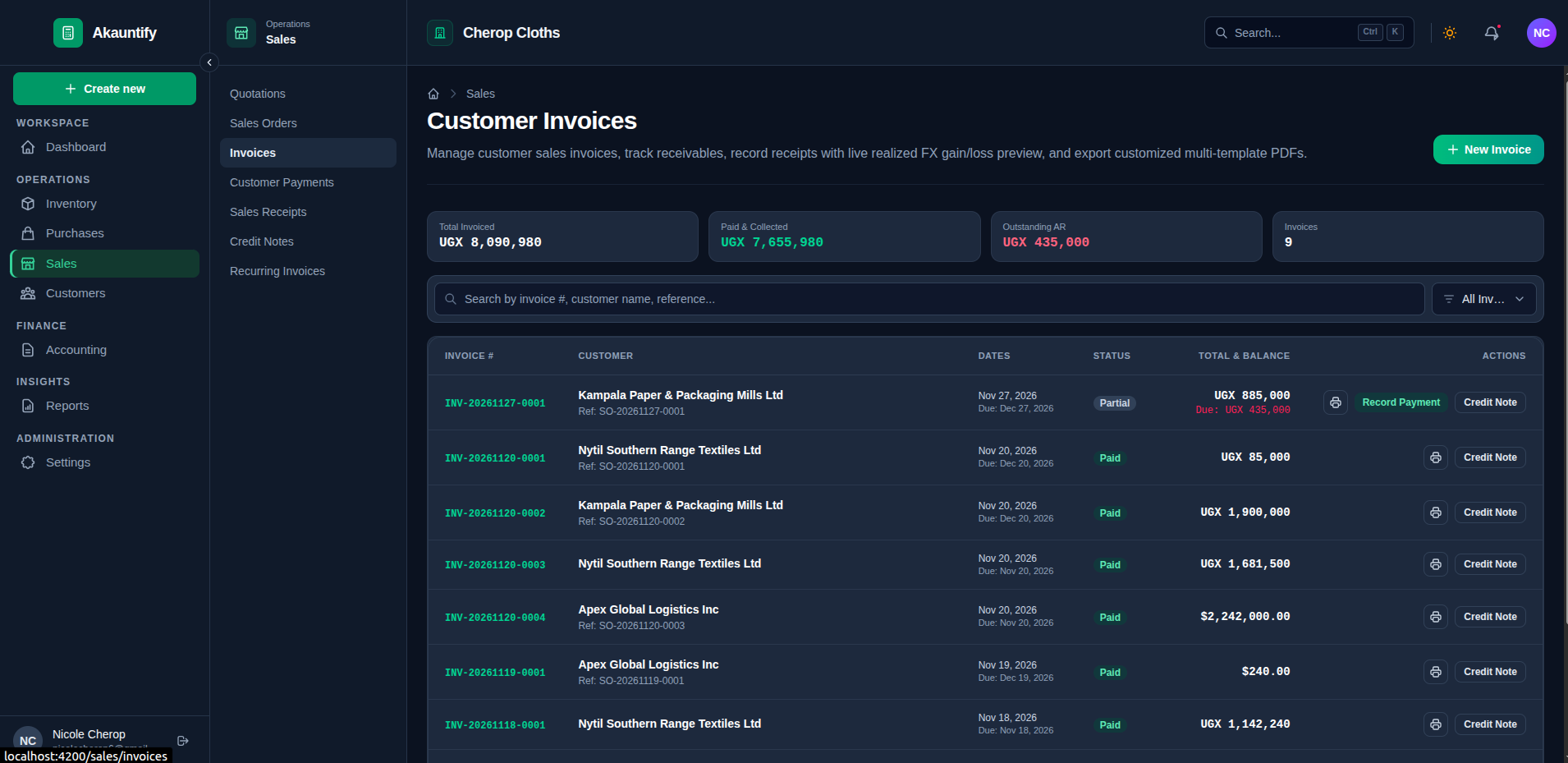
Turn quotes into invoices, record full or part payments, and keep track of what customers still owe. Your sales are reflected in your accounts automatically.
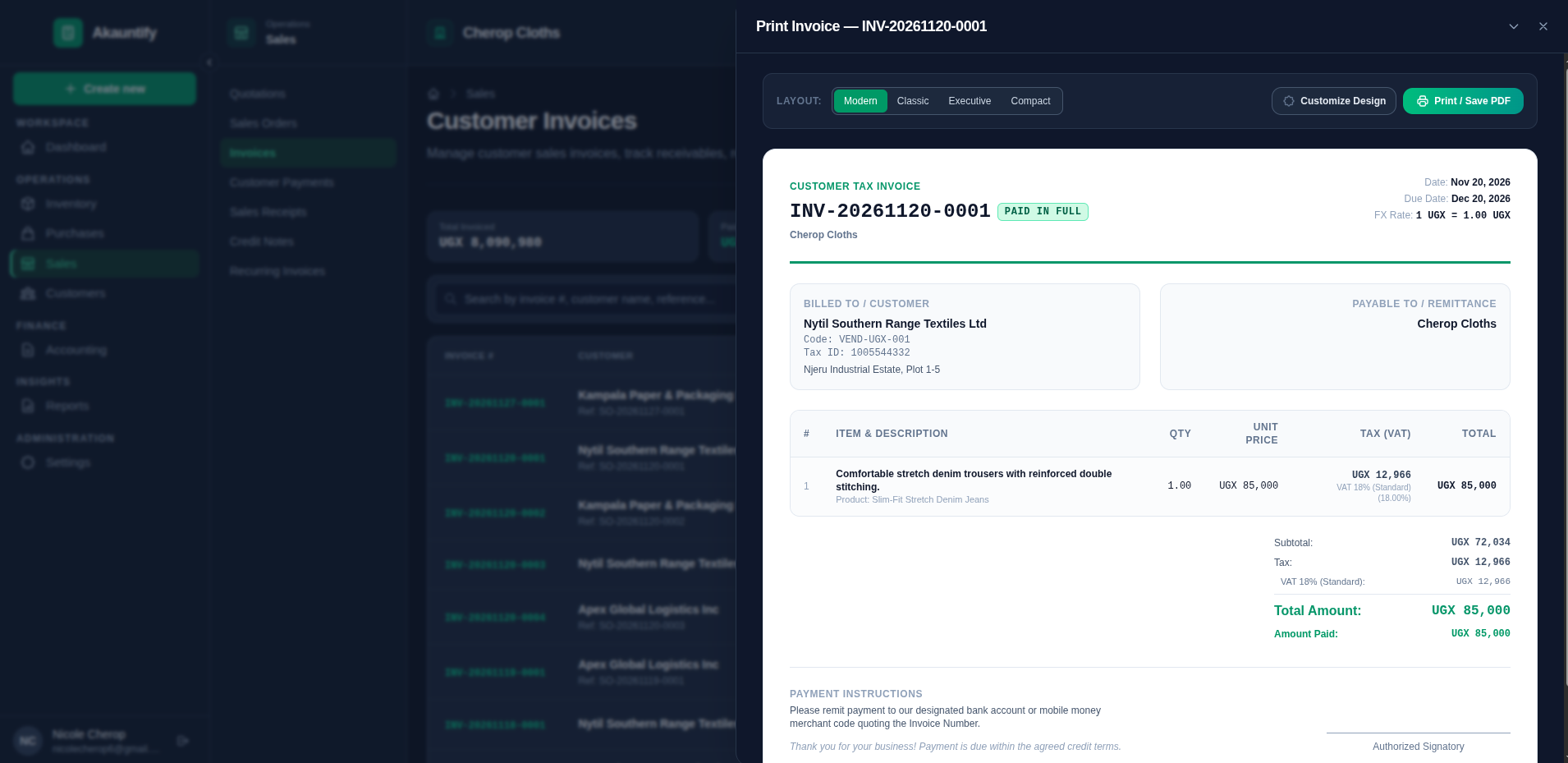
Add your business details, show the charges and applicable taxes, then print or save a PDF to send to your customer.
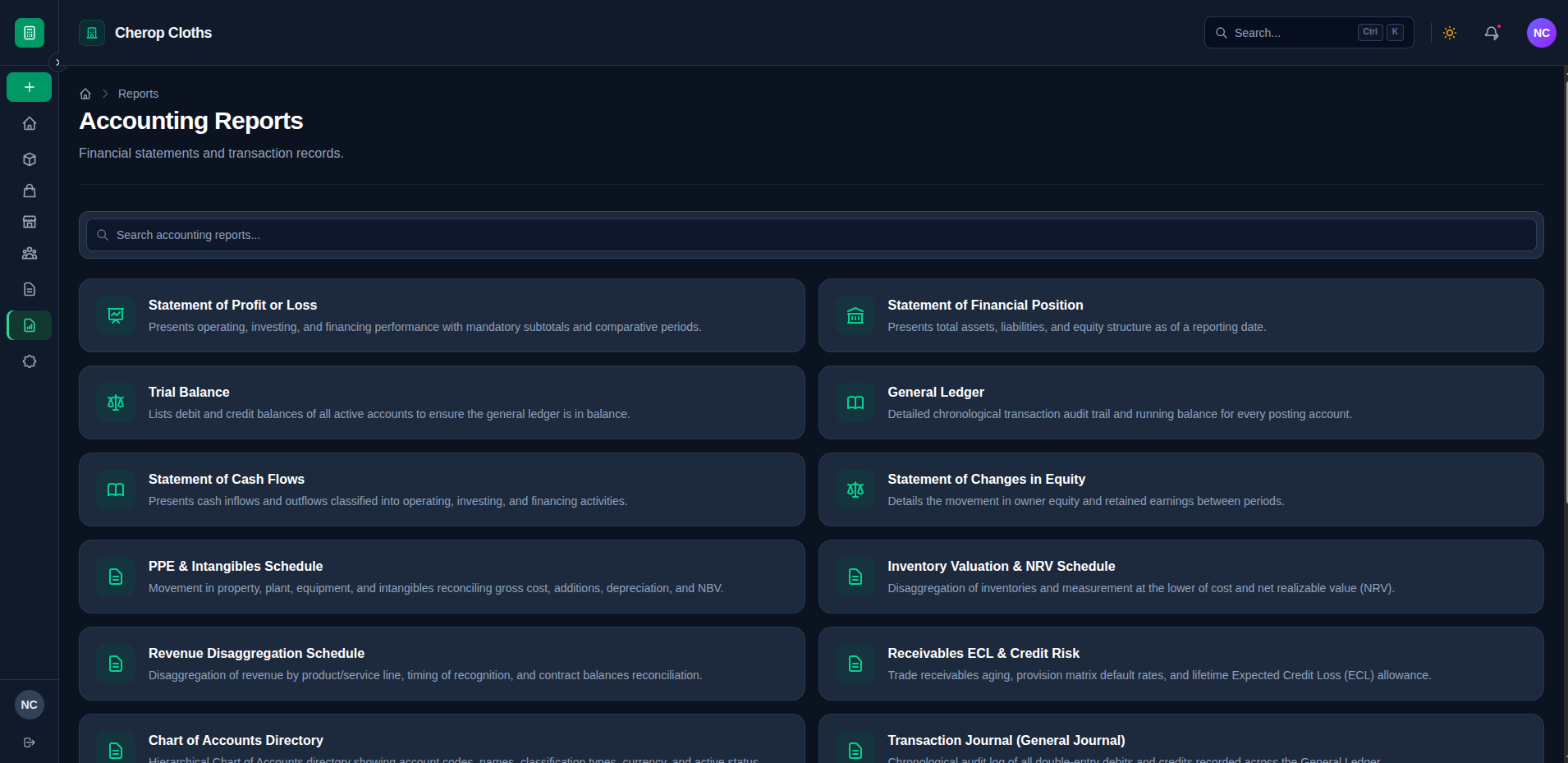
See key financial reports using the sales, purchases, and payments already recorded in your books.
Keep your day-to-day sales, purchases, stock, and accounts connected as your business grows.
Record income and expenses, organise account balances, import bank statements, and match payments as you reconcile your books.
Keep customer details, send quotes and invoices in different currencies, record payments, and follow up on overdue balances.
Manage purchase orders and supplier bills, keep track of what you owe, and record supplier payments and withholding tax.
See product quantities and stock value at each branch, transfer items between locations, and keep a record of stock changes.
Apply VAT and withholding tax (WHT) to relevant transactions and prepare reports to help with your tax filing.
Invite your team, choose what each person can access, and keep each business's records separate.
Choose a plan, set up your business, and get started with your first invoice.
Choose a plan that fits your team and number of branches. Start your 14-day trial with no card required.
Enter your business name, country, and preferred currency to set up your account.
Your accounts, tax settings, and team access are prepared so you can start recording sales, purchases, and stock.
Use your Akauntify account to sign in. Invite team members and choose the level of access they need.
Yes. Each business has its own separate records, and you control which team members can access them.
Yes. You can start on Starter during your trial and upgrade to Business or Enterprise anytime without migrating data.
You receive an invoice with a 7-day grace period so your team is never locked out abruptly while settling payment.